
GST invoice software for simple, professional billing.
Agniv helps freelancers, consultants, agencies, traders, and service businesses create GST-ready invoice PDFs, add payment details, and keep paid, unpaid, and overdue invoices visible.
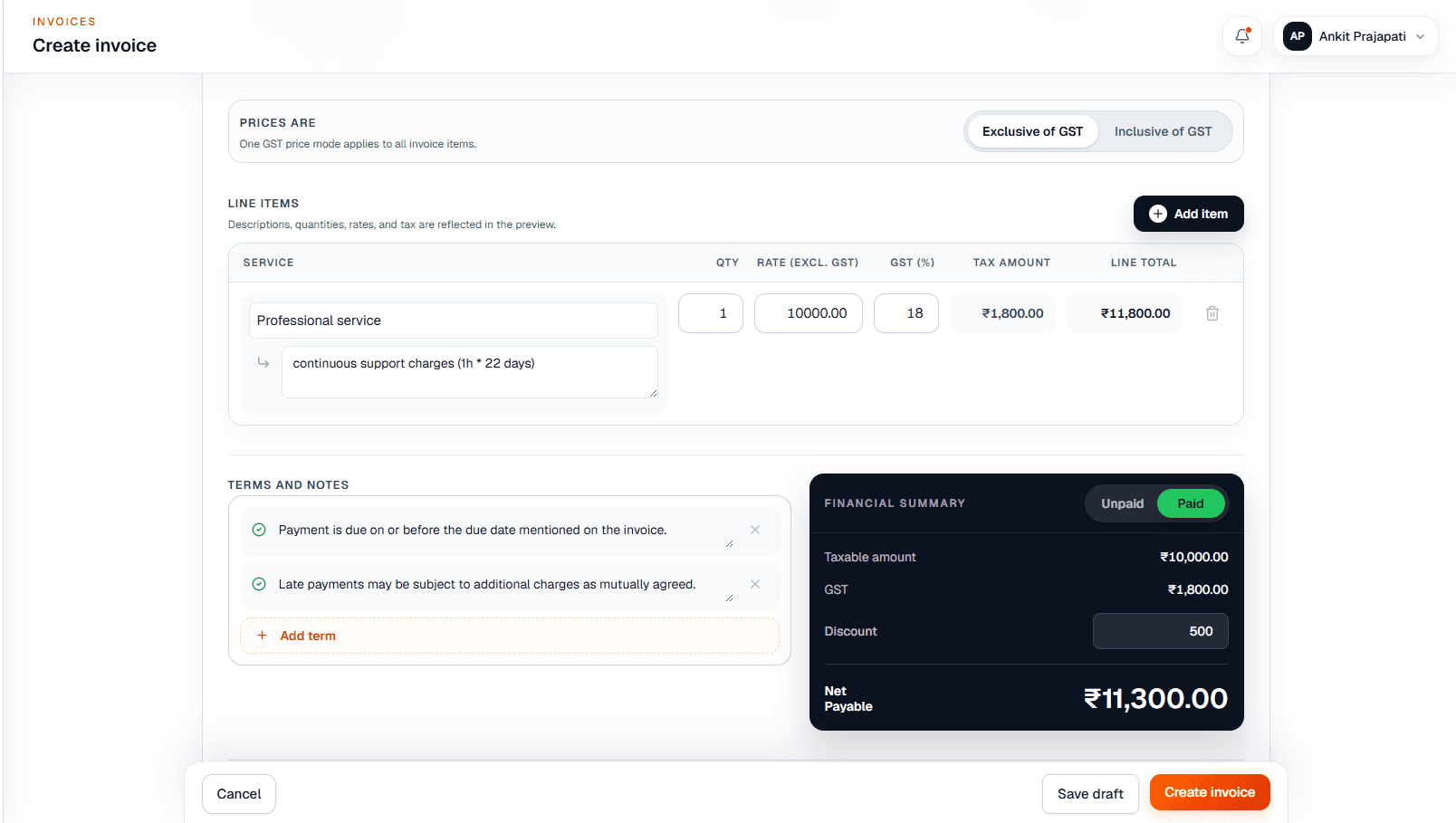
Invoice summary
GST
18%
Mode
Exclusive
Status
Paid
GST invoicing capabilities
Create GST-ready invoices without turning billing into an accounting project.
Agniv keeps the invoice workflow focused: customer details, GST pricing, item rows, PDF output, and payment status all stay close to the work of sending an invoice.
Business and customer GSTIN
Keep GST details alongside customer billing records and business identity, so repeat invoices do not start from a blank page.
HSN/SAC and line items
Create invoice rows for services or goods with quantities, rates, descriptions, discounts, and the tax details shown in the preview.
CGST + SGST or IGST context
Use the place of supply to decide whether an invoice should show intrastate CGST + SGST or interstate IGST treatment.
Inclusive or exclusive GST pricing
Choose whether entered rates are before GST or already include GST when creating invoices for registered businesses.
Professional PDF invoices
Preview and download polished invoice PDFs with invoice dates, terms, notes, business details, and payment context.
Bank, UPI, and payment visibility
Add payment details where configured and track draft, sent, paid, unpaid, and overdue invoice status from the billing workspace.
How GST calculation works
The tax split follows the place of supply.
For business users, the important idea is simple: the place of supply helps determine whether an invoice uses CGST + SGST or IGST. Each item can still carry its own GST rate.
Example decision path
Supplier state + place of supply + item GST rate -> invoice tax summary.
Intrastate invoice
When the supplier and place of supply are in the same state, GST generally appears as CGST + SGST.
Interstate invoice
When the supplier and place of supply are in different states, GST generally appears as IGST.
Place of supply
Place of supply helps determine which GST split belongs on the invoice.
Different item rates
Invoice items can have different GST rates, so line-level tax matters more than a single flat assumption.
Product workflow
From customer details to payment follow-up in one billing flow.
Business and customer
Select or add customer details, GSTIN, address, invoice dates, and billing terms.
Items and GST
Add item descriptions, quantities, rates, tax percentage, discount, and inclusive or exclusive GST mode.
Preview
Review the invoice summary before sending or downloading the final PDF.
Professional PDF
Download a clean invoice PDF that carries the information your customer needs.
Payment tracking
Keep invoice status visible so unpaid and overdue work is easier to follow up.
Who Agniv is for
Built for businesses that invoice regularly but do not want billing bloat.
Agniv is most useful when invoices must look professional, customer details repeat, and payment follow-up needs a reliable place to live.
Freelancers
Send polished invoices for recurring projects, retainers, support work, and one-off assignments without spreadsheet templates.
Consultants
Keep service descriptions, GST treatment, due dates, terms, and payment details clear for professional client billing.
Agencies
Prepare branded invoices for multiple clients and track which sent invoices still need payment follow-up.
Service businesses
Handle repeat customer details, invoice notes, GST pricing mode, and PDFs from one focused workspace.
Small teams and traders
Use a practical billing system when full accounting software feels heavier than the invoicing job at hand.
Why Agniv
A calmer way to create invoices and see what still needs payment.
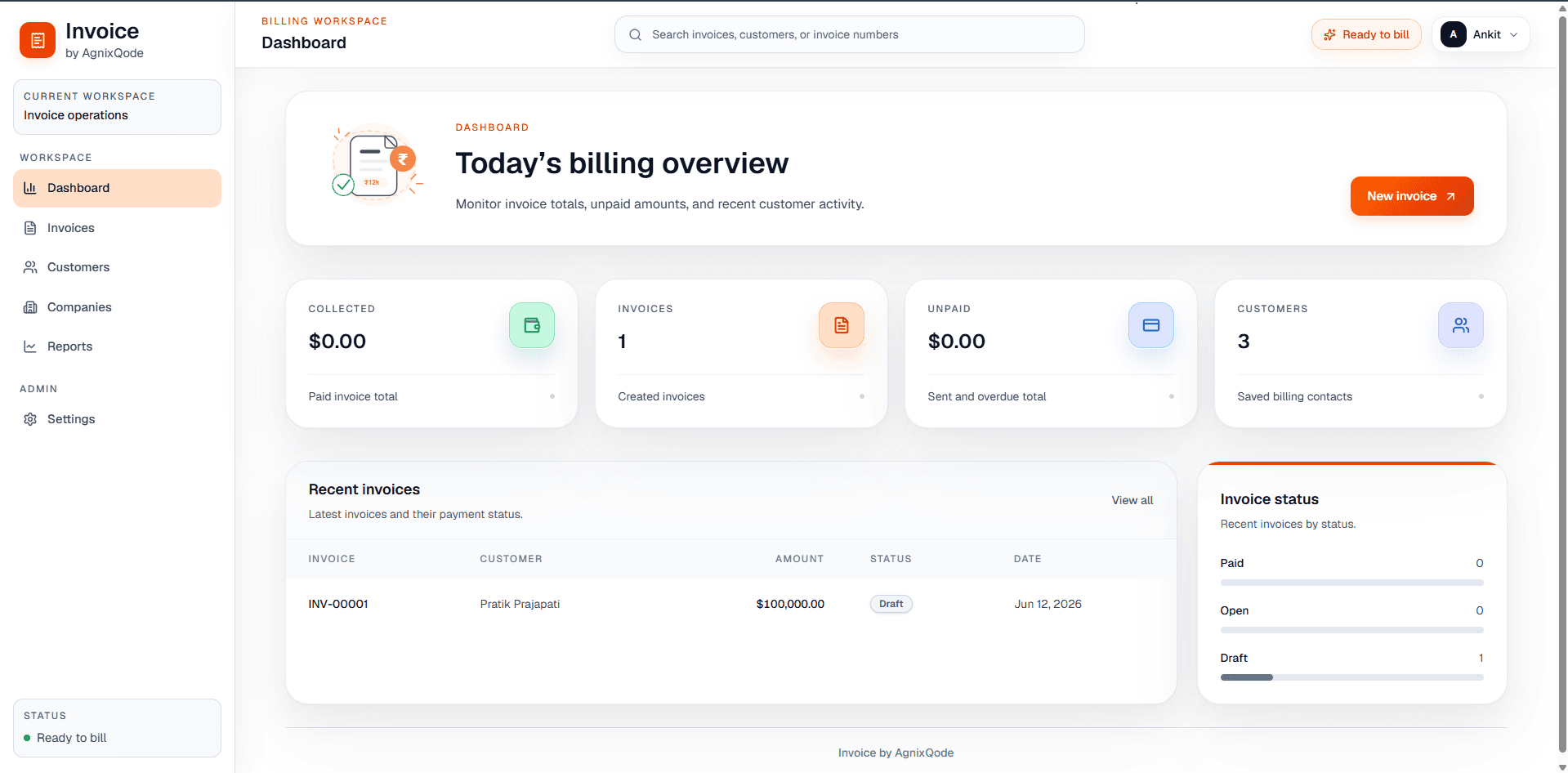
Agniv is intentionally focused on practical invoicing: professional PDFs, customer records, GST-aware pricing, payment details, and invoice status visibility. It gives small teams a proper billing workspace without forcing every invoice into a heavy accounting workflow.
Explore the Agniv product overviewFAQ
GST invoicing questions, answered plainly.
Can Agniv create GST invoices?
Yes. Agniv supports GST-ready invoice creation for registered businesses, including GST details, tax calculation context, and professional PDF output.
Does Agniv support CGST, SGST, and IGST?
Agniv is designed around GST-aware invoicing. Use place of supply to decide whether an invoice should show intrastate CGST + SGST or interstate IGST treatment.
Can I use different GST rates on different invoice items?
Yes. The invoice item workflow supports line item tax percentages, which is useful when services or goods on the same invoice have different GST rates.
Can Agniv make both GST-inclusive and GST-exclusive invoices?
Yes. When GST applies, Agniv lets you choose whether entered prices are exclusive of GST or inclusive of GST.
Does Agniv replace my accountant or accounting software?
No. Agniv focuses on invoice creation, PDF generation, customer billing records, payment details, and invoice status visibility. Use your accounting process for deeper books and tax advice.
Can I add UPI and bank details to GST invoice PDFs?
Yes. Agniv is designed to show configured payment details on invoice PDFs so customers know how to pay.
Start billing
Create your next GST-ready invoice in Agniv.
Bring customer details, GST-aware line items, a professional PDF, and payment tracking into one focused billing workspace.